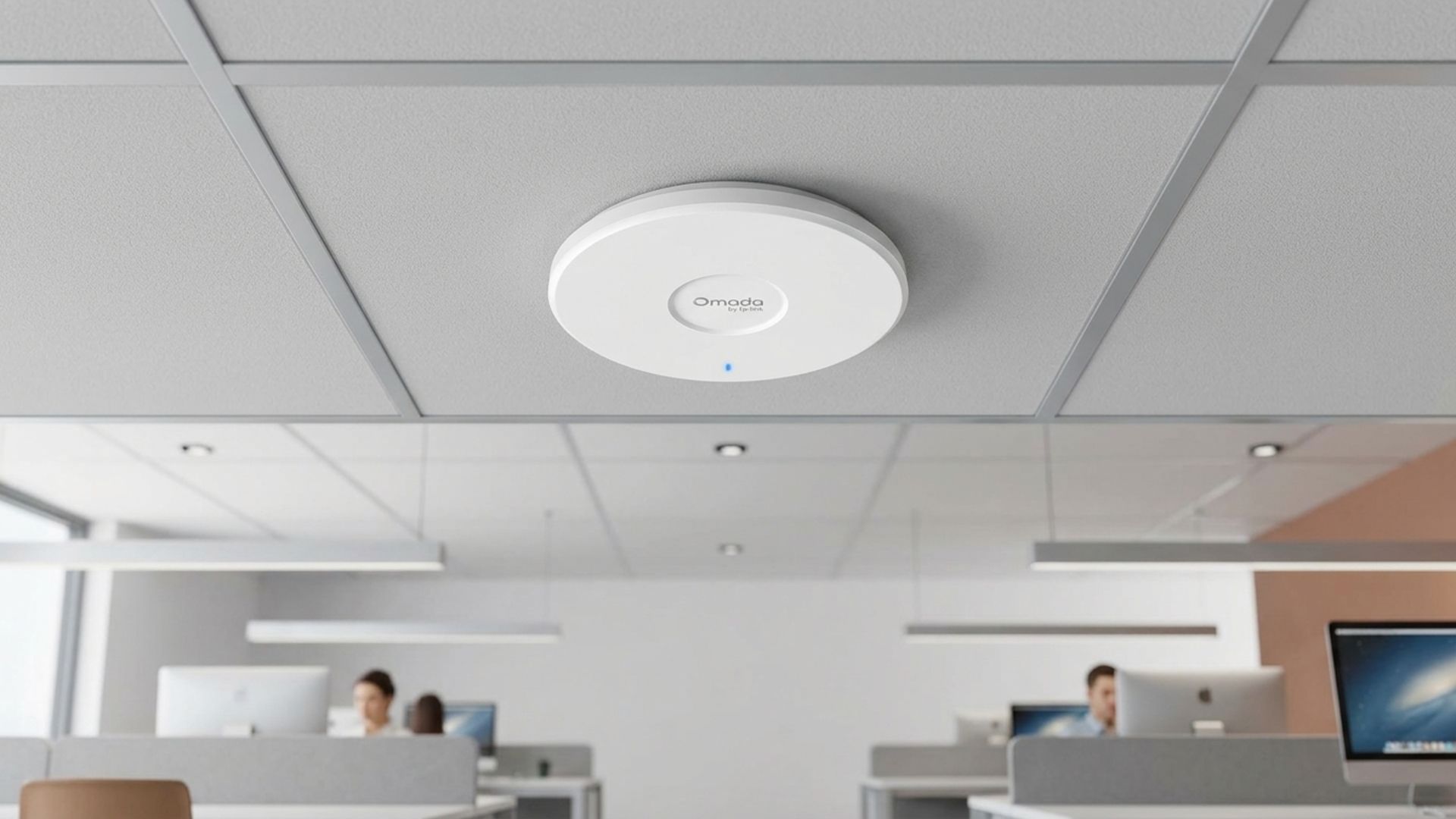
This could be the cheapest BE5000 Wi-Fi 7 access point, offering 2.5GbE, free lifetime cloud management, and an impressive five-year warranty
Wi-Fi 7 upgrades are becoming more accessible without expensive networking equipment TP-Link BE5000 offers greater theoretical wireless capacity than cheaper BE3600 alternatives A 2.5GbE connection removes the conventional Gigabit Ethernet speed limitation Finding an affordable way to upgrade an exi
<![CDATA[ <article> <ul><li><strong>Wi-Fi 7 upgrades are becoming more accessible without expensive networking equipment</strong></li><li><strong>TP-Link BE5000 offers greater theoretical wireless capacity than cheaper BE3600 alternatives</strong></li><li><strong>A 2.5GbE connection removes the conventional Gigabit Ethernet speed limitation</strong></li></ul><p>Finding an affordable way to upgrade an existing network to Wi-Fi 7 can be difficult, particularly when faster wireless speeds come with expensive equipment.</p><p>However, TP-Link's Omada range offers a potentially attractive alternative, with its BE5000 access point.</p><p>The business-oriented networking product combines faster wireless connectivity with a 2.5GbE Ethernet connection, free lifetime cloud management and an unusually generous five-year warranty.</p><div class="product"><a data-dimension112="d0b2242e-d9c6-11f1-a1d8-8d833f72d0e5" data-action="Deal Block" data-label="TP-Link Omada WiFi 7 Access Point" data-dimension48="TP-Link Omada WiFi 7 Access Point" data-dimension25="$89.99" href="https://www.amazon.com/dp/B0FKRF82DX?lv=shuf&channelId=500&plpRedirect=mhFallback" target="_blank" rel="nofollow"><figure class="van-image-figure " ><div class='image-full-width-wrapper'><div class='image-widthsetter' style="max-width:1920px;"><p class="vanilla-image-block" style="padding-top:56.25%;"><img id="SBNyPS7jFZyLN7rKfzxYpe" name="TP-Link Omada WiFi 7 Wireless Access Point" caption="" alt="" src="https://cdn.mos.cms.futurecdn.net/SBNyPS7jFZyLN7rKfzxYpe-1920-80.jpg" mos="" align="middle" fullscreen="" width="1920" height="1080" attribution="" endorsement="" credit="" class="" /></p></div></div></figure></a><p><strong><a href="https://www.amazon.com/dp/B0FKRF82DX?lv=shuf&channelId=500&plpRedirect=mhFallback" target="_blank" rel="nofollow" data-dimension112="d0b2242e-d9c6-11f1-a1d8-8d833f72d0e5" data-action="Deal Block" data-label="TP-Link Omada WiFi 7 Access Point" data-dimension48="TP-Link Omada WiFi 7 Access Point" data-dimension25="$89.99">TP-Link Omada WiFi 7 Access Point: $89.99</a></strong><br />The dual-band Wi-Fi 7 access point delivers up to 5 Gbps wireless speeds, combining Multi-Link Operation, Multi-RUs, and 4K-QAM, with a 2.5 GbE port supporting future multi-gigabit internet upgrades.<a class="view-deal button" href="https://www.amazon.com/dp/B0FKRF82DX?lv=shuf&channelId=500&plpRedirect=mhFallback" target="_blank" rel="nofollow" data-dimension112="d0b2242e-d9c6-11f1-a1d8-8d833f72d0e5" data-action="Deal Block" data-label="TP-Link Omada WiFi 7 Access Point" data-dimension48="TP-Link Omada WiFi 7 Access Point" data-dimension25="$89.99">View Deal</a></p></div><h2 id="be5000-wi-fi-7-brings-faster-connectivity-without-expensive-equipment">BE5000 Wi-Fi 7 brings faster connectivity without expensive equipment</h2><p>Unlike cheaper BE3600 alternatives, the BE5000 specification offers greater theoretical wireless capacity, making this option particularly interesting at its current asking price.</p><p>Its combined wireless rating reaches approximately 5,000Mbps, although actual transfer speeds depend on connected devices, network interference, and the surrounding wireless environment.</p><p>Wi-Fi 7 also introduces improvements such as Multi-Link Operation, allowing compatible devices to use multiple frequency bands for improved connectivity and network performance.</p><p>The inclusion of a 2.5GbE Ethernet port is another important advantage, particularly for users whose existing networking equipment supports connections exceeding conventional Gigabit Ethernet speeds.</p><p>This faster wired connection helps prevent the Ethernet interface from becoming an immediate bottleneck when wireless clients demand substantial network bandwidth.</p><p>The access point belongs to TP-Link's Omada Pro family, which caters to businesses requiring networking equipment with centralised management capabilities.</p><p>That distinction matters because buyers are getting equipment designed for professional networking environments rather than another basic consumer wireless access point.</p><p>However, prospective customers should remember that this product is an access point, not a standalone router capable of independently managing an internet connection.</p><p>It therefore requires an existing router or gateway, making it particularly suitable for people upgrading an established network rather than replacing their entire networking infrastructure.</p><h2 id="free-lifetime-cloud-management-and-a-five-year-warranty-sweeten-the-deal">Free lifetime cloud management and a five-year warranty sweeten the deal</h2><p>Another interesting feature is the inclusion of lifetime cloud management without additional subscription fees, removing recurring management costs for supported cloud features.</p><p>TP-Link's Omada cloud platform allows administrators to configure, monitor, and manage compatible networking equipment without purchasing a separate hardware controller.</p><p>This arrangement can be particularly useful for small businesses operating multiple access points across offices, where managing individual devices separately becomes increasingly inconvenient.</p><p>The five-year warranty also deserves attention because networking equipment is generally expected to remain operational for several years after installation.</p><p>A longer warranty provides additional purchasing reassurance, particularly when comparing this business-oriented product against cheaper alternatives offering shorter coverage periods.</p><p>At approximately $89.99, the combination of BE5000 wireless capacity, faster Ethernet connectivity and subscription-free cloud management makes the offer particularly interesting.</p><p>Buyers should nevertheless check compatibility with their existing router, available PoE infrastructure and installation requirements before placing an order.</p><figure class="van-image-figure inline-layout" data-bordeaux-image-check="" ><div class='image-full-width-wrapper'><div class='image-widthsetter' style="max-width:676px;"><p class="vanilla-image-block" style="padding-top:31.51%;"><img id="diM9tpwF2Lz85R8q85CT78" name="tr-g_news" alt="Google logo on a black background next to text reading 'Click to follow TechRadar'" src="https://cdn.mos.cms.futurecdn.net/diM9tpwF2Lz85R8q85CT78-1920-80.jpg" mos="" align="middle" fullscreen="" width="676" height="213" attribution="" endorsement="" class="inline" /></p></div></div></figure> </article> ]]>
Read the full article on TechRadar
Read Full Article →